
01
Copy and Paste the YouTube Link
Open the YouTube video, copy the link from your browser or the share menu, and paste it into the YouTube transcript generator.
Paste a YT URL into free YouTube Transcript Generator and get a clean transcripts with timestamps in seconds. Free, No sign-up, No video upload needed.

Only input any public YouTube video link to generate a transcript you can read, search, copy, and download with our free YouTube Transcript Generator. Keep timestamps for research and citations, or remove them for a clean article-style transcript.
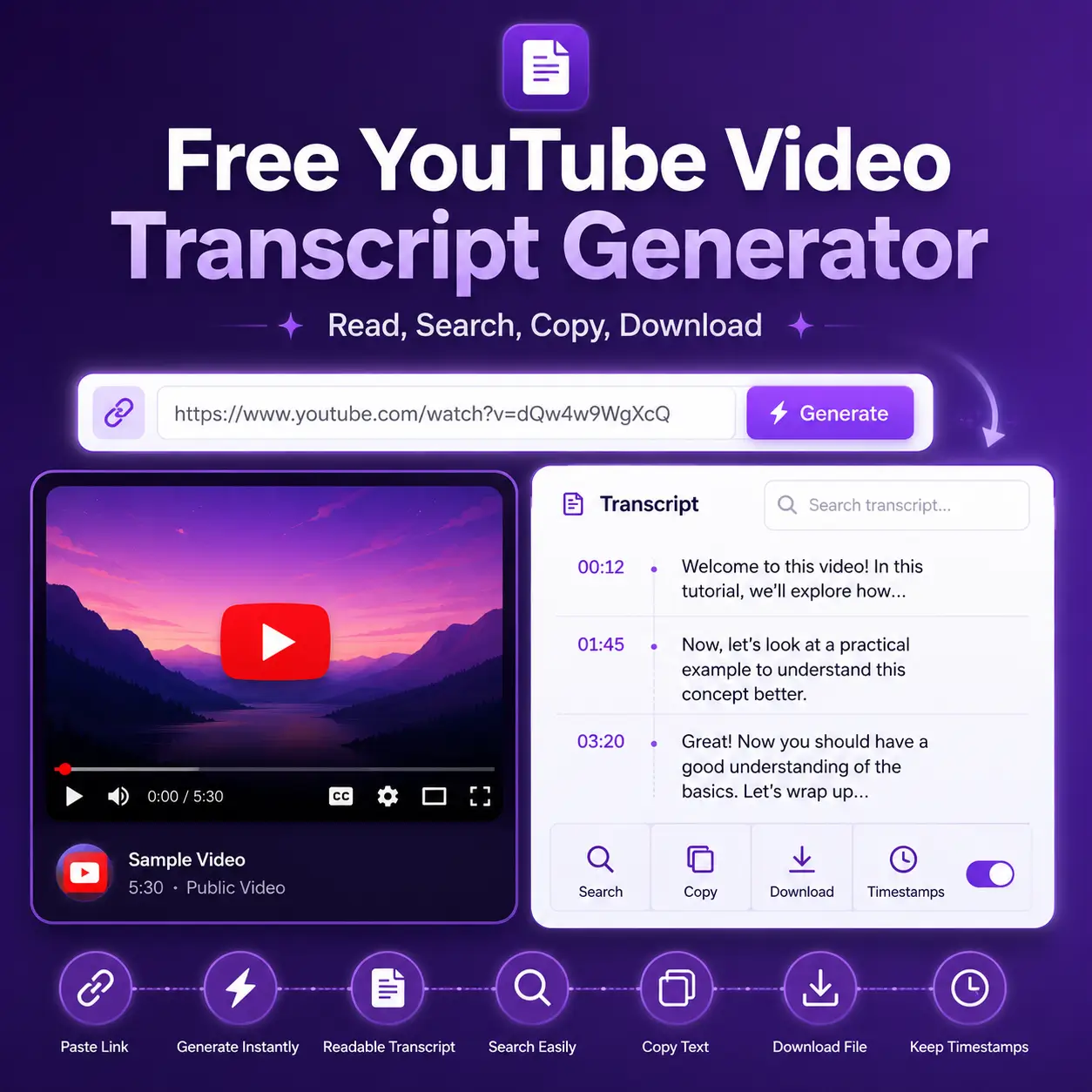
The accurate transcripts generated by Transcribe Video AI's free YouTube Transcript Generator offer a wide range of applications, including but not limited to the following use cases.
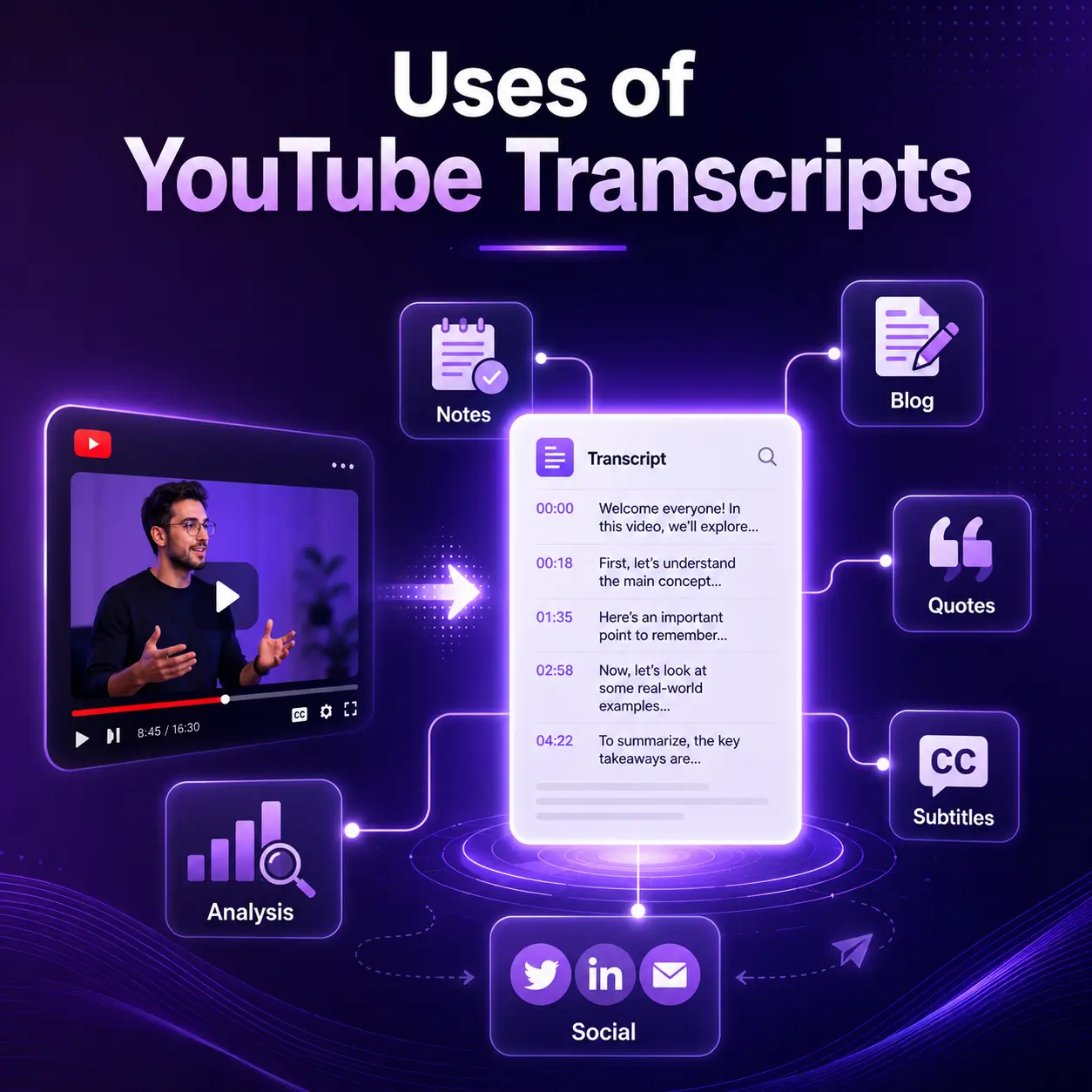
Getting accurate transcripts using a free YouTube transcript generator is very simple and can be done in just three steps.
Open the YouTube video, copy the link from your browser or the share menu, and paste it into the YouTube transcript generator.
Get time-stamped transcripts, plain text versions, summaries, and various export options. Review the content and check for accuracy.
Copy the transcript to your clipboard or download it in TXT, SRT, VTT, DOCX, or PDF format. Use the YouTube transcripts in your actual workflow.
The tool offered by Transcribe Video AI converts YouTube to Transcript. Furthermore, it helps you clean, summarize, translate, cite, and repurpose the transcribed text.
With our free YouTube transcript generator, you can generate transcripts for multiple YouTube videos or entire playlists in a single workflow. Simply paste multiple video links or enter a playlist URL to quickly extract clear, timestamped text.
Try Transcribe YouTube Playlist Videos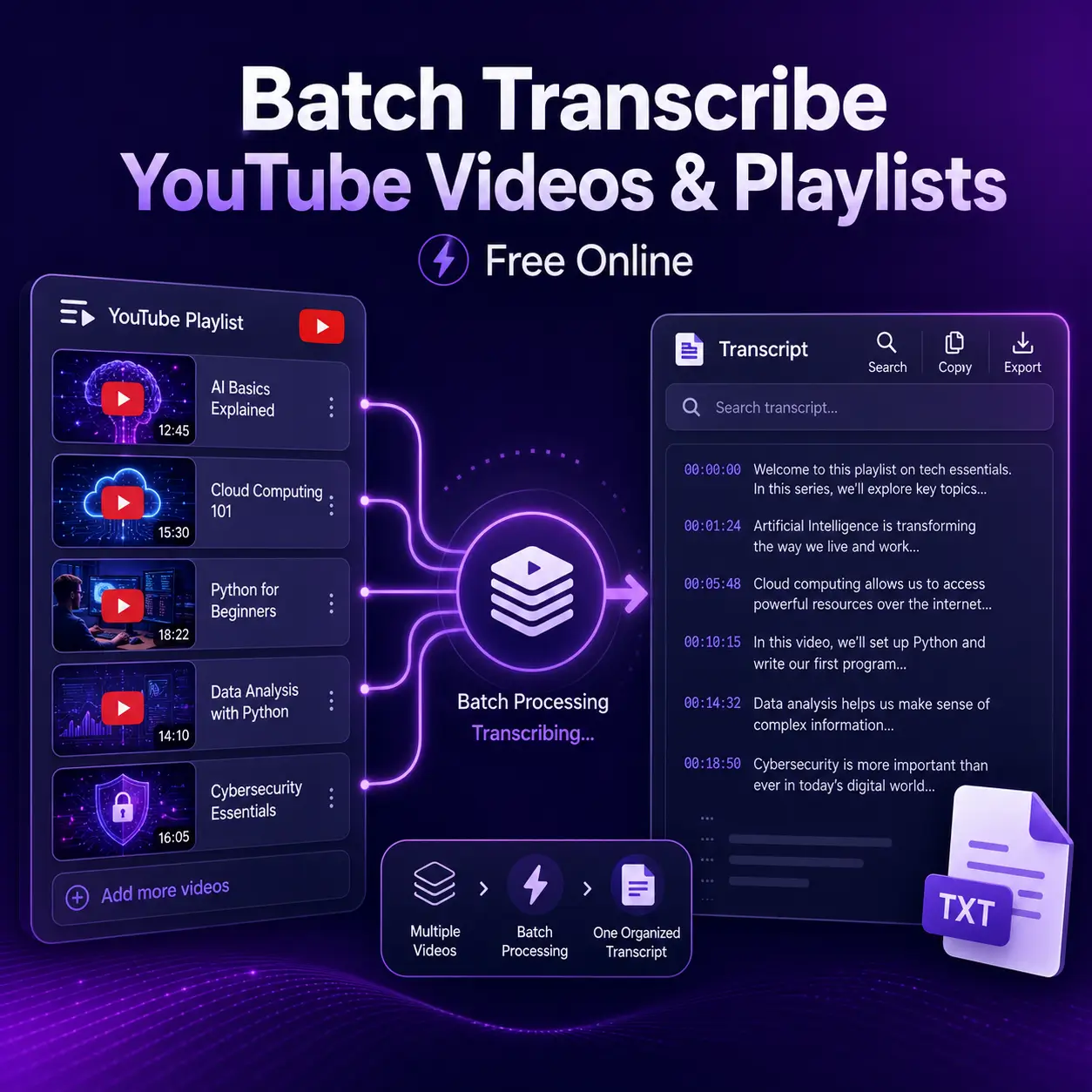
Our free YouTube video transcription tool features a built-in AI chat assistant. If you have any questions about the video, you can chat directly with the AI to help you understand the content more efficiently.
Chat with AI to Understand Video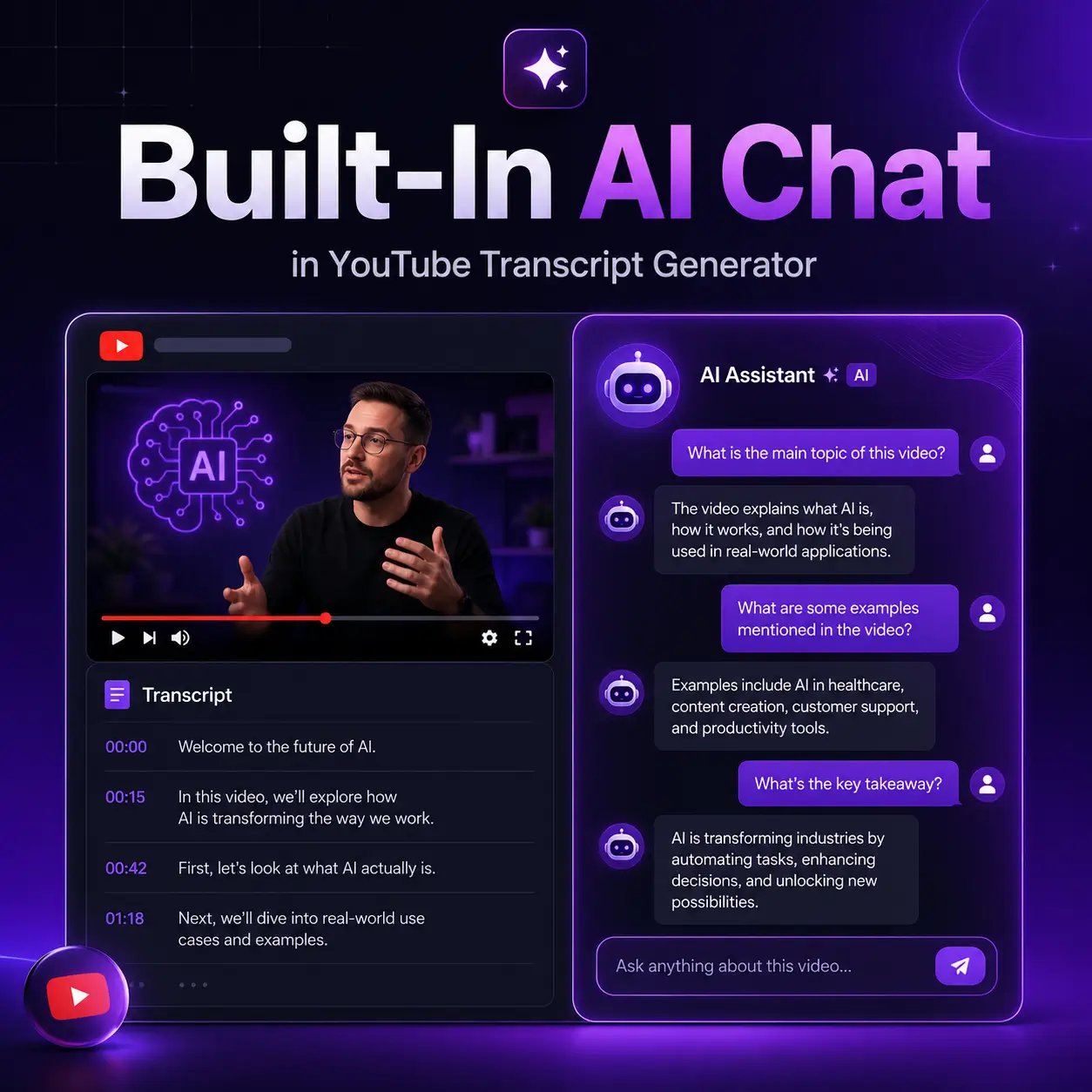
Privacy and data security are our top priorities, ensuring the safety of your YouTube links, transcripts, summaries, and chat logs. You can use the YouTube transcript generator with confidence, knowing your content is secure.
Convert YouTube Video to Text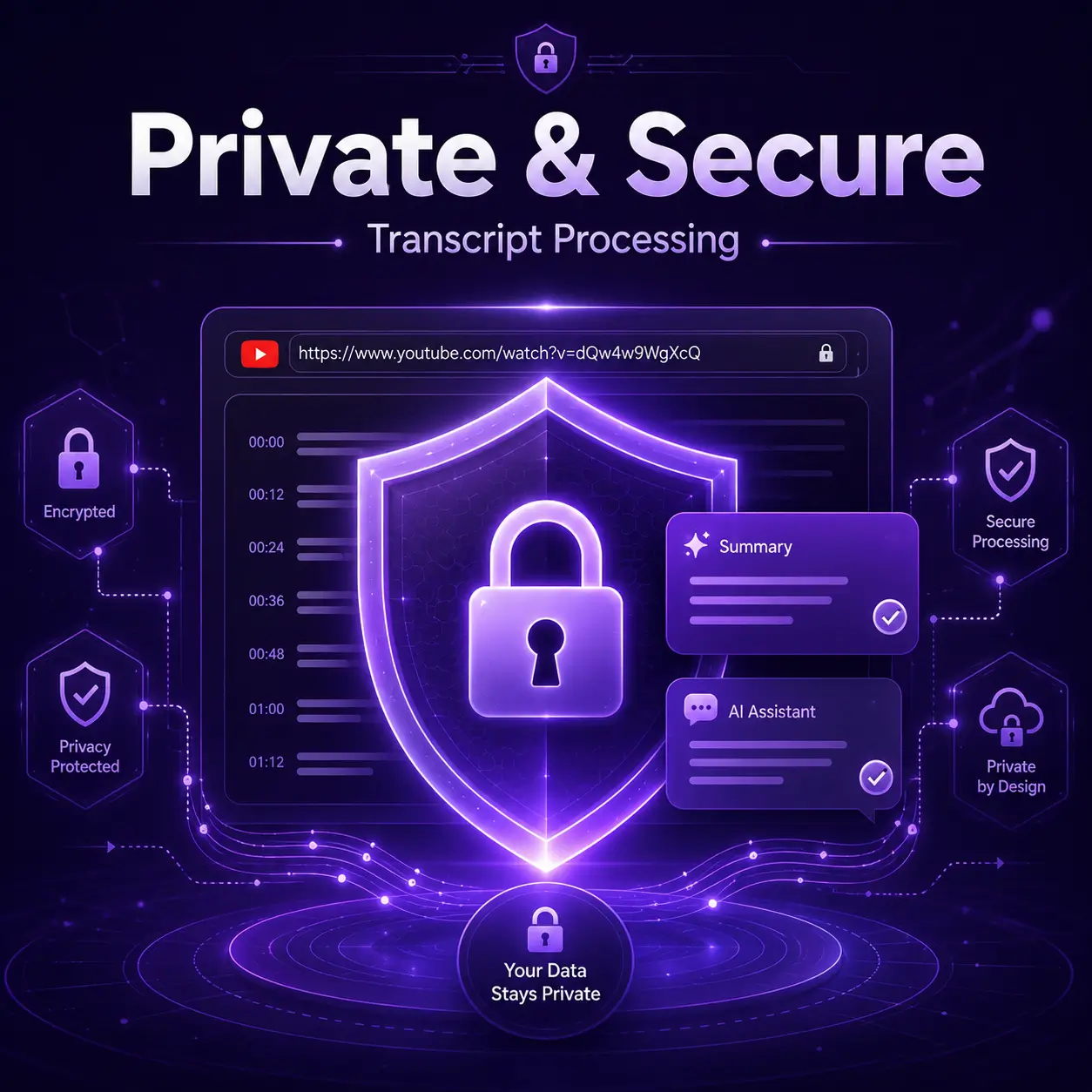
If you are looking to transcribe YouTube videos into text, this is the free online tool you need.
Simply paste a YouTube link to get a full video transcript in seconds with free YouTube transcript generator.
Transcripts come with timestamps, making them convenient for reference, citations, research notes, or video navigation.
Export YouTube transcripts in TXT, SRT, VTT, DOCX, or PDF formats.
Convert content from tutorials, lectures, interviews, podcasts, and webinars, up to 2 hours long, into text.
Translate YouTube transcripts into different languages or generate clear summaries to aid your learning.
No need to download or upload video files; simply use a YouTube link to generate the transcript.
FAQ
Read the answers below to quickly learn about our free YouTube video transcript generator.
A free YouTube transcript generator is a tool that converts a YouTube video into readable text. It helps you copy, download, search, summarize, or translate the spoken content of a video.
Yes, you can generate YouTube transcripts for free.
You can paste the YouTube video URL. and also you can upload YouTube video file.
Yes. You can generate transcripts with timestamps or remove timestamps for a clean reading version.
Yes. You can copy or download the transcript in formats such as TXT, SRT, VTT, DOCX, or PDF.
If captions are available, the tool can retrieve them quickly. If captions are not available, you can transcribe youtube video to text online.
Yes. You can turn long transcripts into summaries, key points, chapters, notes, or action items.
Use transcripts responsibly and respect copyright, privacy, and YouTube's terms. For publishing or commercial reuse, make sure you have the required rights or permission.